Fontier
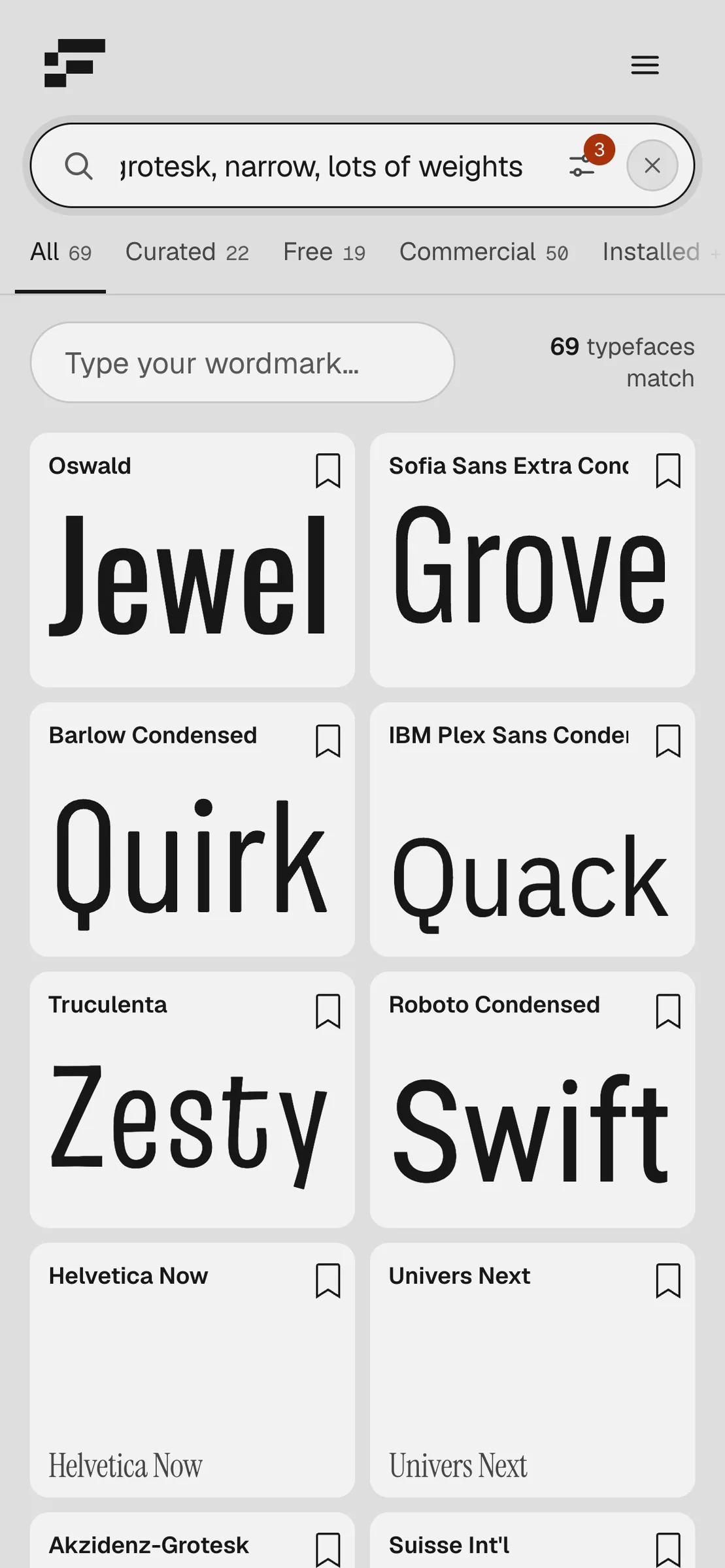
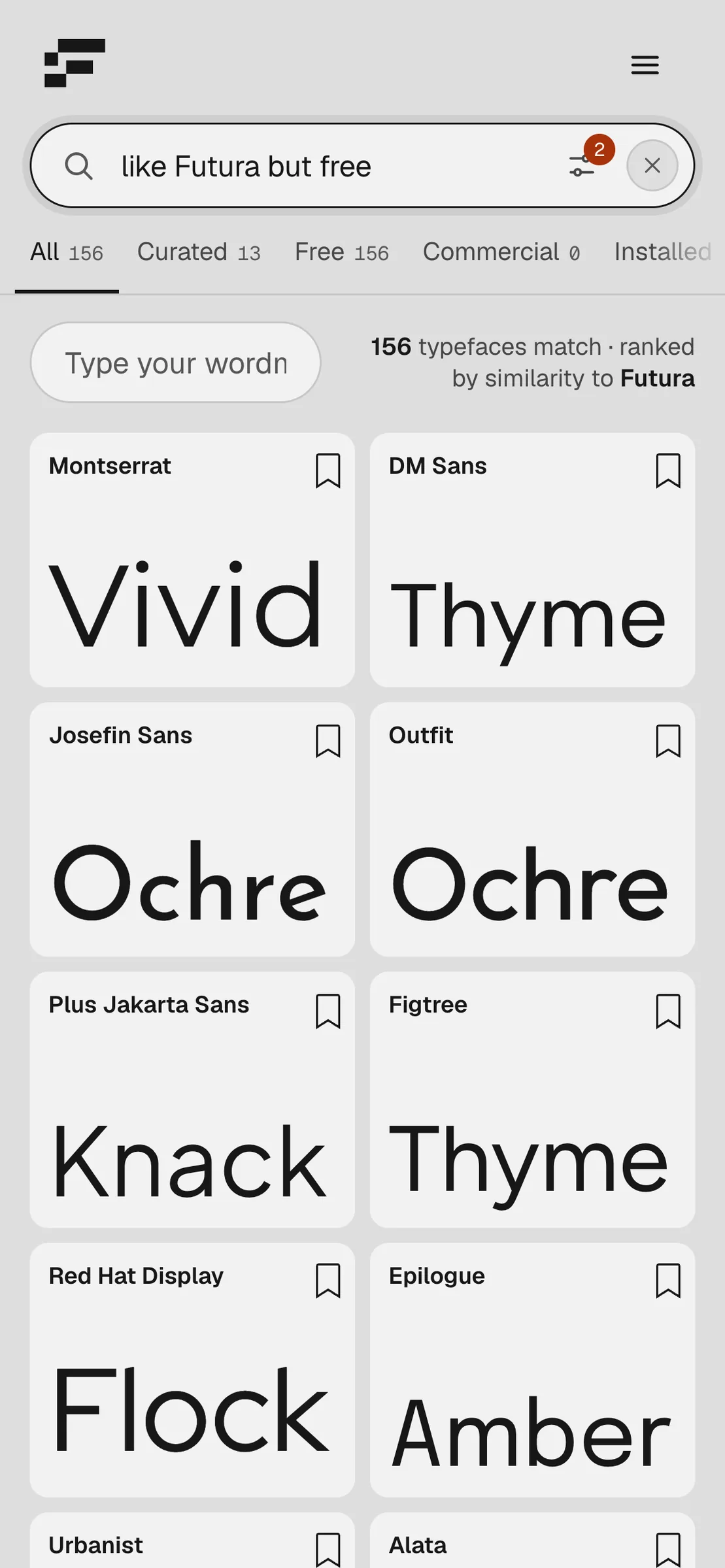
Fontier finds typefaces by describing them. Know the vibe but not the name? Type it the way you would say it, "grotesk, narrow, lots of weights" or "like Futura but free", and the results come back ranked by how closely their glyphs match.
The problem
Font libraries are organised by name and by category. That works when you already know what you want. Most of the time a designer knows the feeling instead: narrow, warm, a bit technical, a single-storey a. Turning that into a name means scrolling through thousands of specimens across several foundries.
The idea
Let the description be the query. Fontier reads plain language, picks out the qualities in it, and ranks typefaces by how well they fit. The vocabulary is typographic, 260 terms measured from the glyphs themselves, so "ink traps", "slashed zero" or "high x-height" mean what a type designer means by them.
Every card sets a real word in the face at the size you choose, so the comparison happens at a glance. A reference typeface works as well as a list of qualities: name one and Fontier ranks the rest by similarity to it.
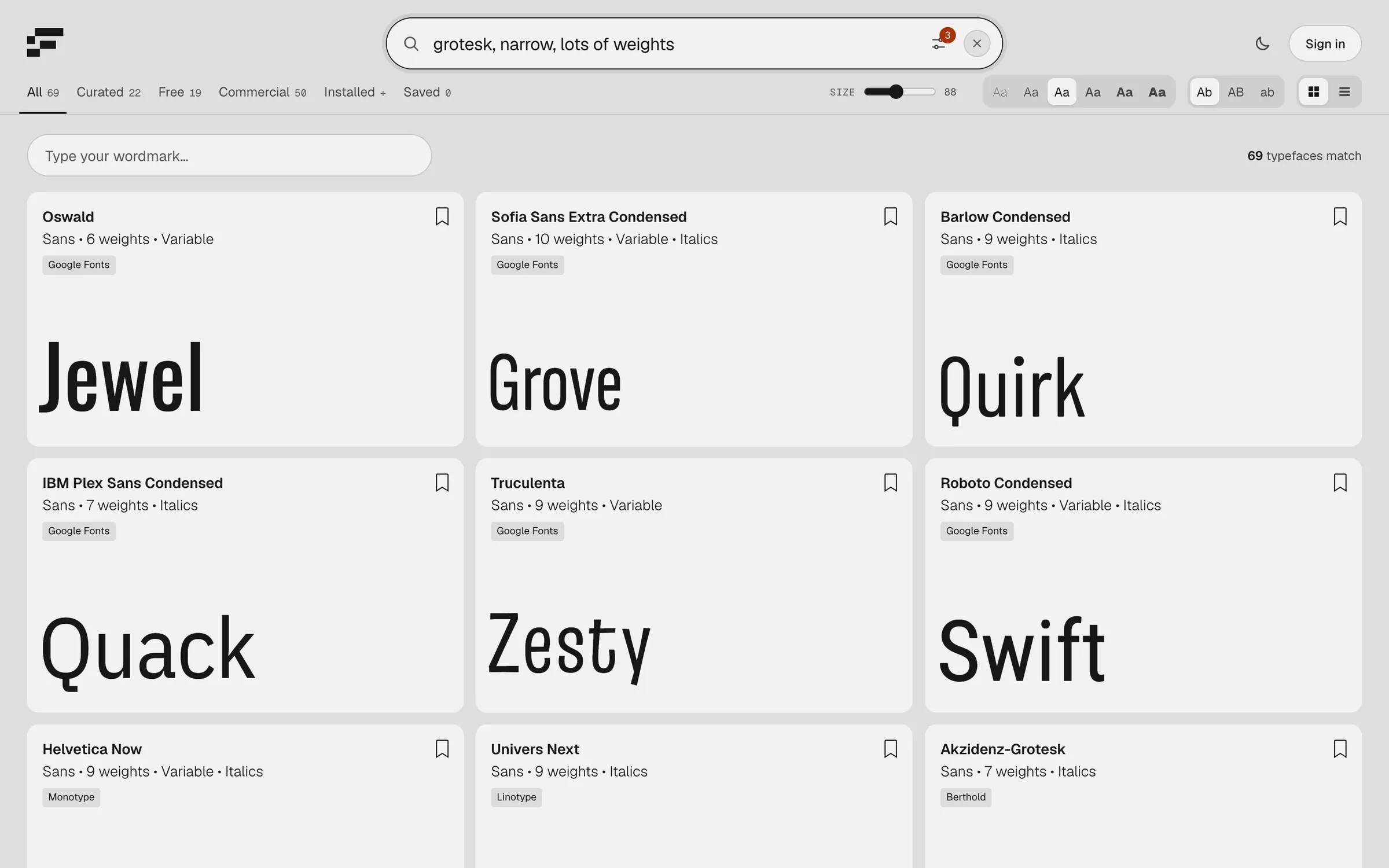
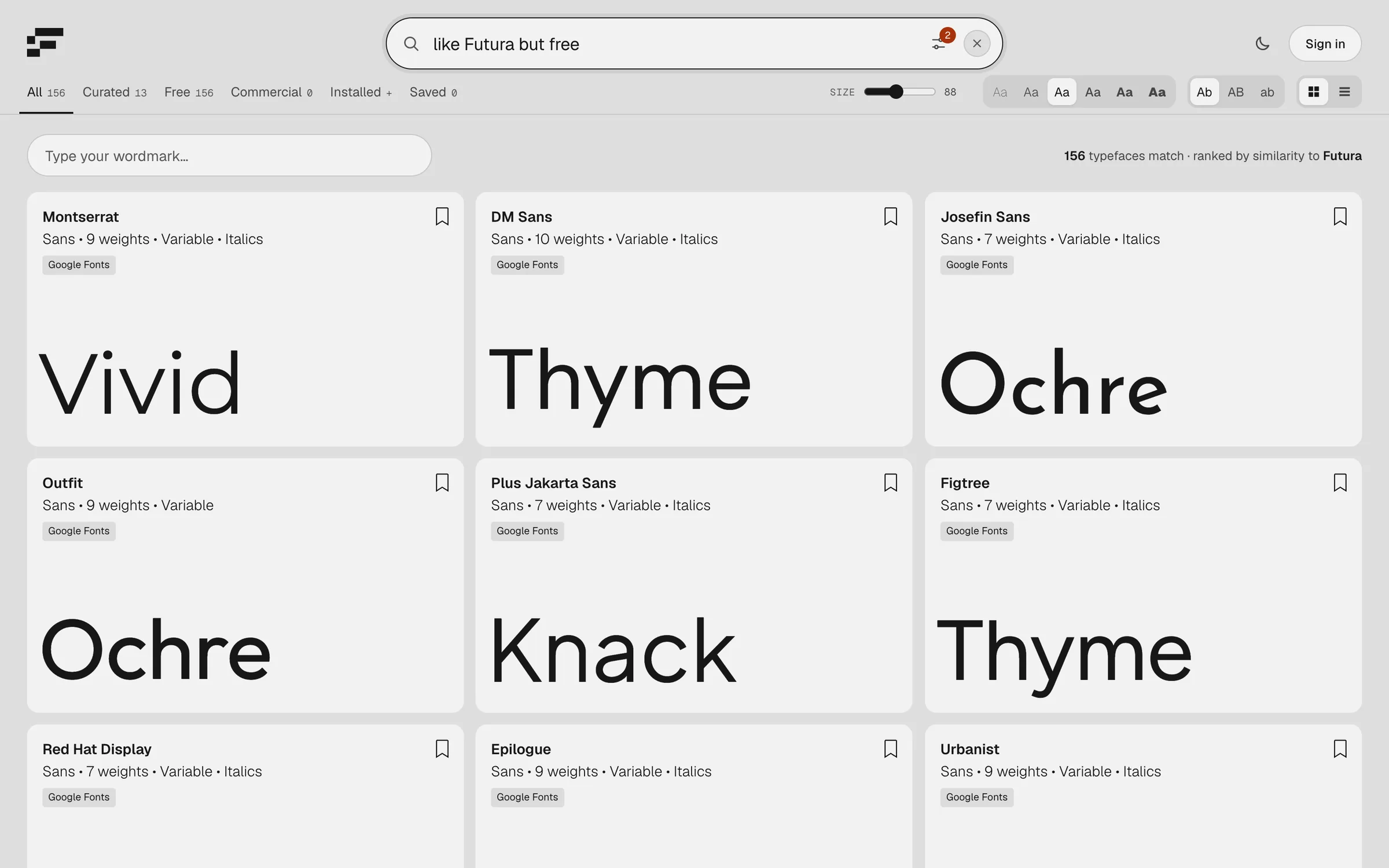
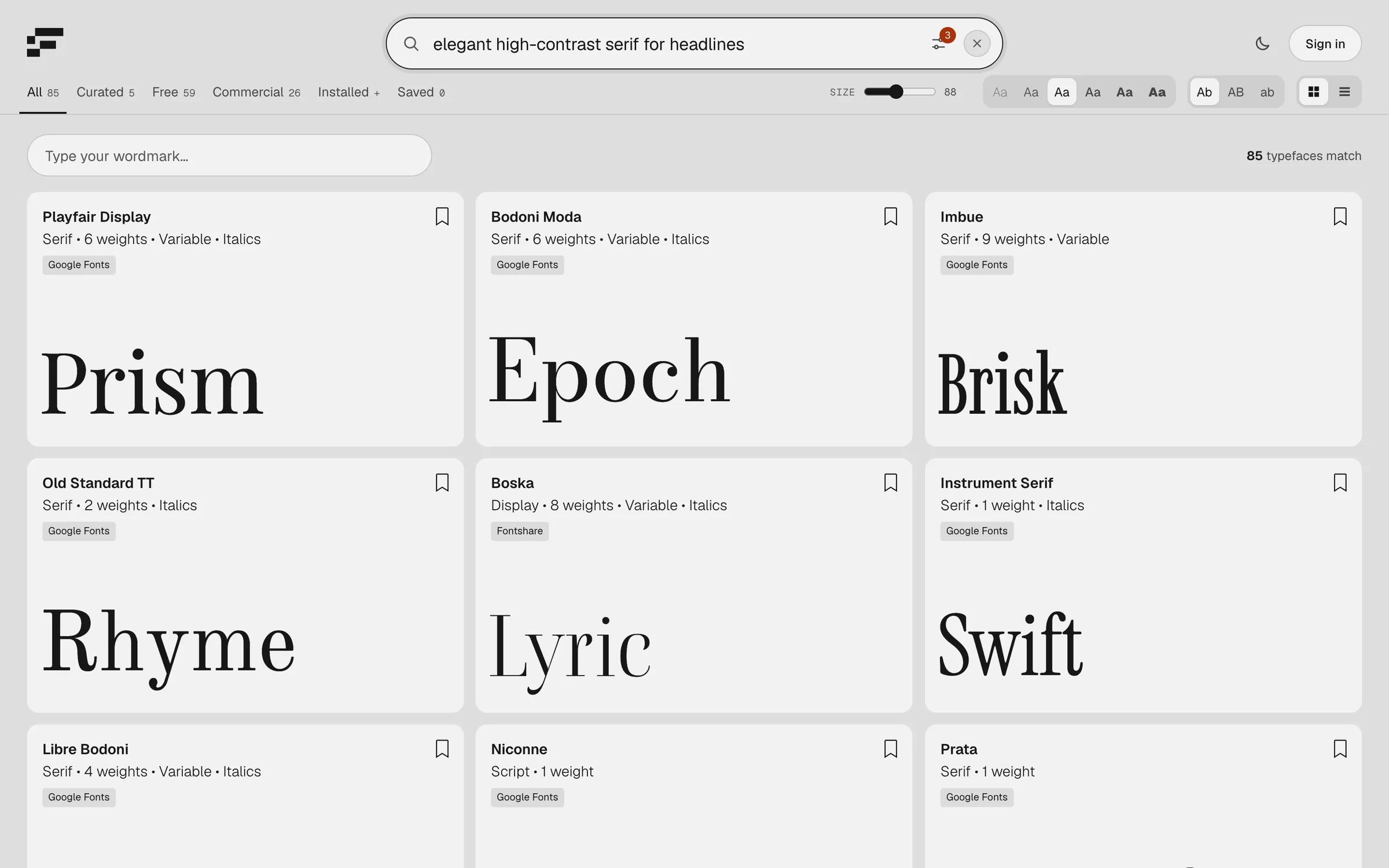
- 01Plain-language search
A sentence becomes a set of qualities, shown under the search field, so you can see how the query was read.
- 02Similarity to a reference
"Like Futura" ranks the library by closeness to Futura; "but free" narrows it to what costs nothing.
- 03Your wordmark, in every face
Type a name once and every card previews it, at the size, weight and case set in the toolbar.
- 04One library, many sources
Google Fonts, Fontshare and commercial foundries side by side, filtered into Curated, Free, Commercial, Installed and Saved.
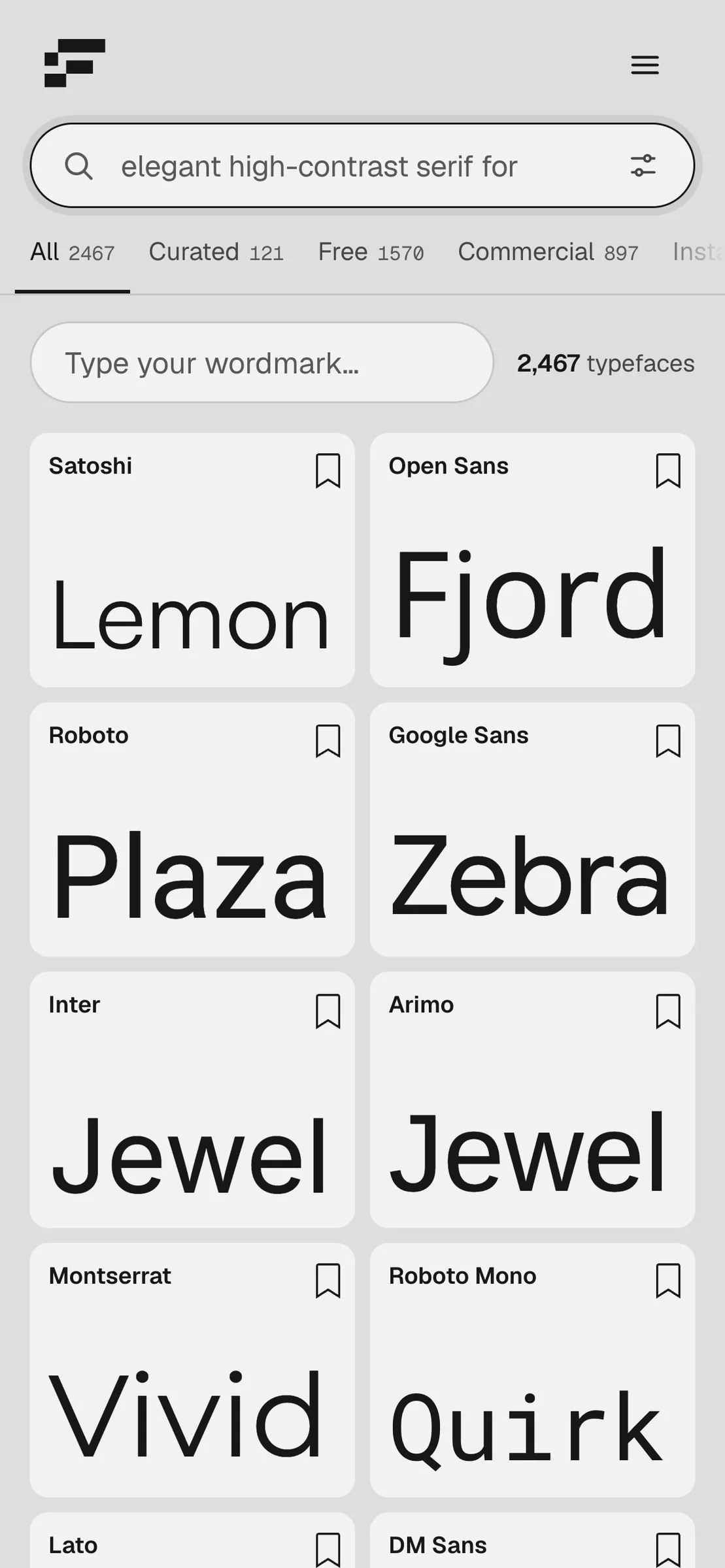
Before a search, Fontier is a specimen browser: 2,467 typefaces, a grid or a list, and a light or dark theme.
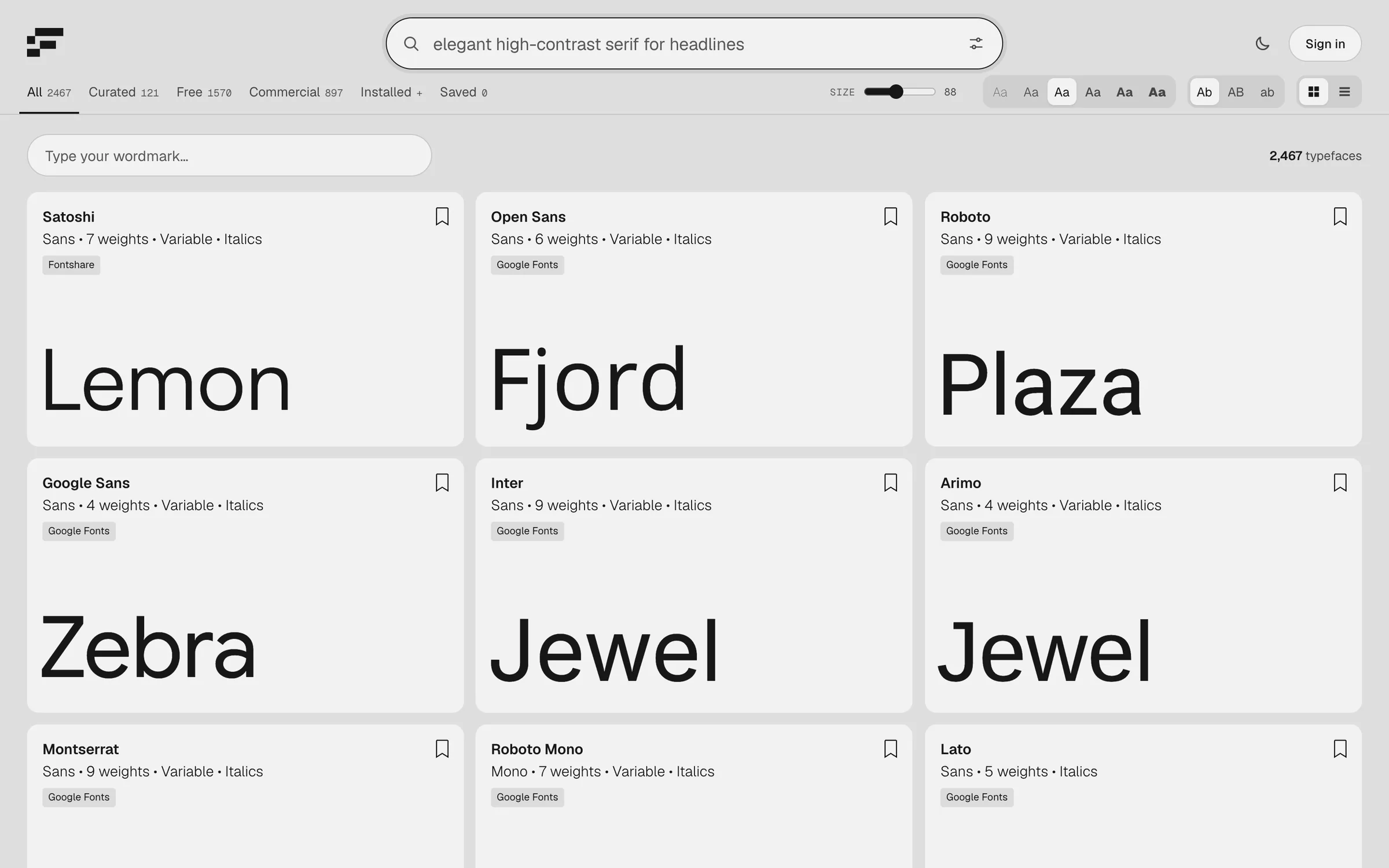
The same search on a small screen: two cards per row, the filters as a sideways strip, and the controls folded into a menu.
Fontier is live and open to everyone, with sign-in for saving typefaces and a route for foundries to submit their libraries.
Open Fontier